Blog Writer
Give it a keyword and Claude writes a search-friendly blog post in your brand voice, then marks every fact to check and every spot that needs your own story.
What it solves
Writing blog posts that rank takes hours, and AI drafts often sound generic or state facts nobody checked. This workflow writes the draft in your voice, uses only the facts you give it, and flags what a person still needs to confirm or add.
How it works
- 1
Webhook
Receive a keyword, or start a test run from the editor
- 2
Set
Load your brand voice, business facts and SEO guidelines
- 3
Claude
Write the blog post in your brand voice
- 4
Claude
Mark facts to confirm (!V) and spots that need your experience (!H)
- 5
Google Sheets
Save the draft with status In Review
Set it up
- Download the workflow file with the Download for n8n button.
- In n8n, open Workflows, choose Import from File and pick the file.
- Replace the example business in Load Brand Voice and Load Business Description with your own.
- Add your Anthropic API key to both Claude steps.
- Make a Google Sheet with the columns Keyword, Pillar, Blog and Status, then connect it in Save to Google Sheet.
- Click Test workflow to write a post for the sample keyword.
More solutions

Your Content Team Is You, an AI, and a Workflow — Here’s How to Make It Work
81% of B2B marketers use AI tools, but only 19% have integrated it into daily workflows. Here’s the three-layer hybrid model that turns a one-person operation into a content machine — without hiring anyone or learning to code.

Your Customers Can Spot AI Content — And They’re Punishing Brands That Use It Badly
Consumers think they can detect AI content. Research says they often can't, but the brand penalty is real either way. 60% of Americans admit backing out of a purchase because they suspected AI fakery, and disclosing AI use lifts trust by 96% in tested ads.
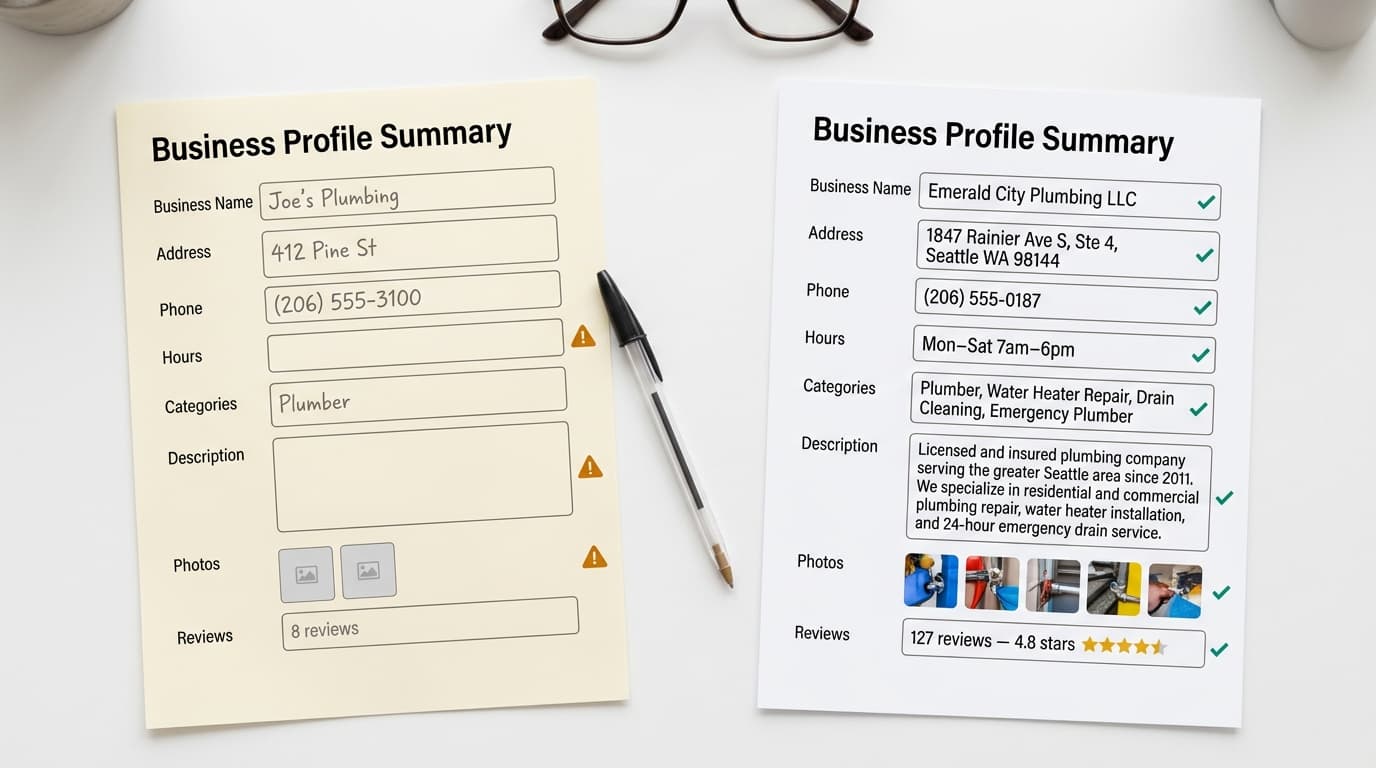
Google Just Changed the Rules on Your Business Profile — Here’s What to Do
Google removed thousands of legitimate reviews, deprecated Short Names, and started sending suspension warnings. Your Business Profile is now the primary data source AI agents use to recommend businesses — here’s how to fortify yours before the next enforcement wave.
go deeper
Build it with us in the Shipsmind community.
Ask questions, see how other owners use these solutions, and get step-by-step tutorials when you're ready to build your own.